

Fotos: Michelle Alves – Secom
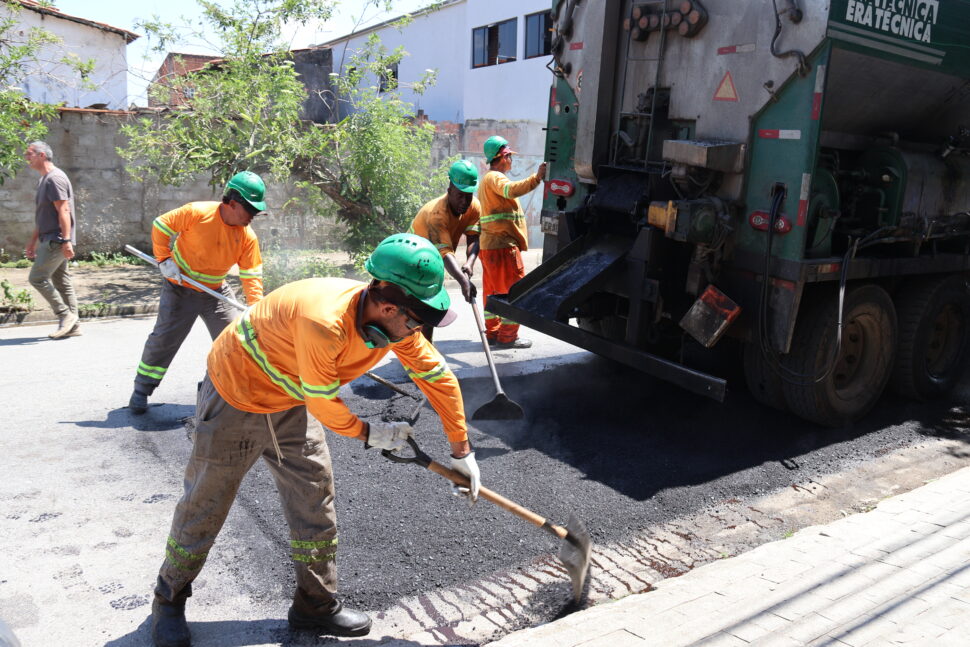
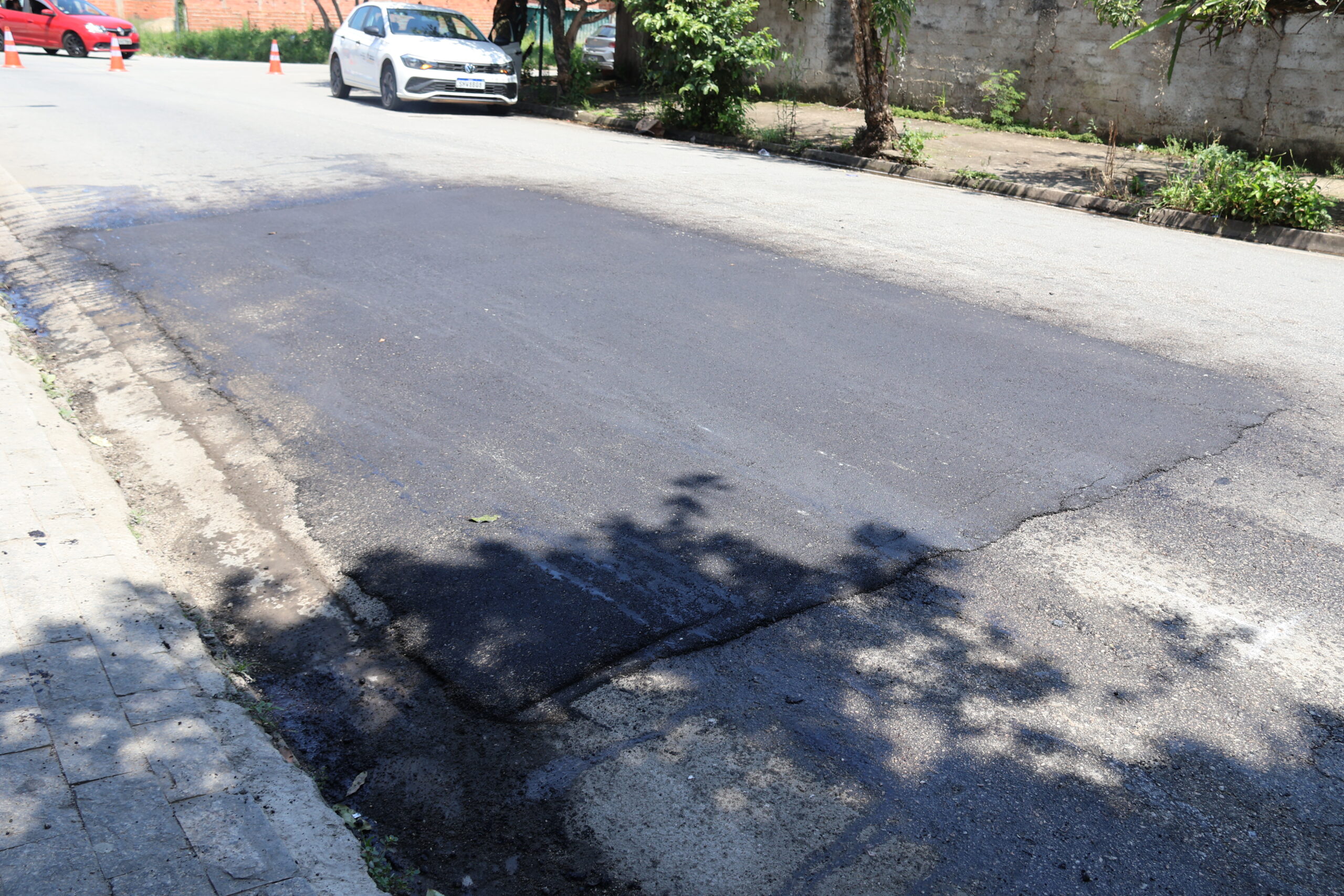
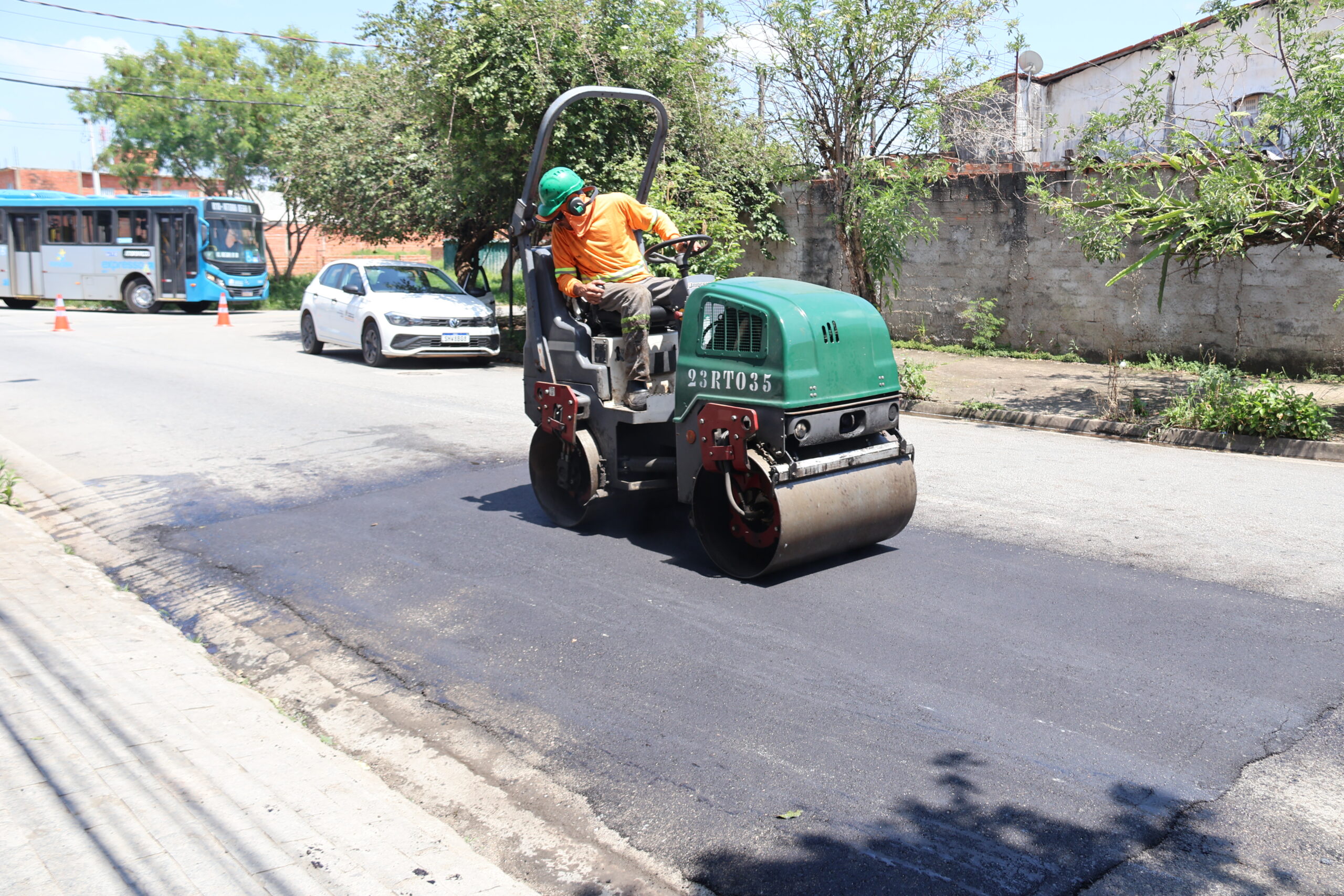
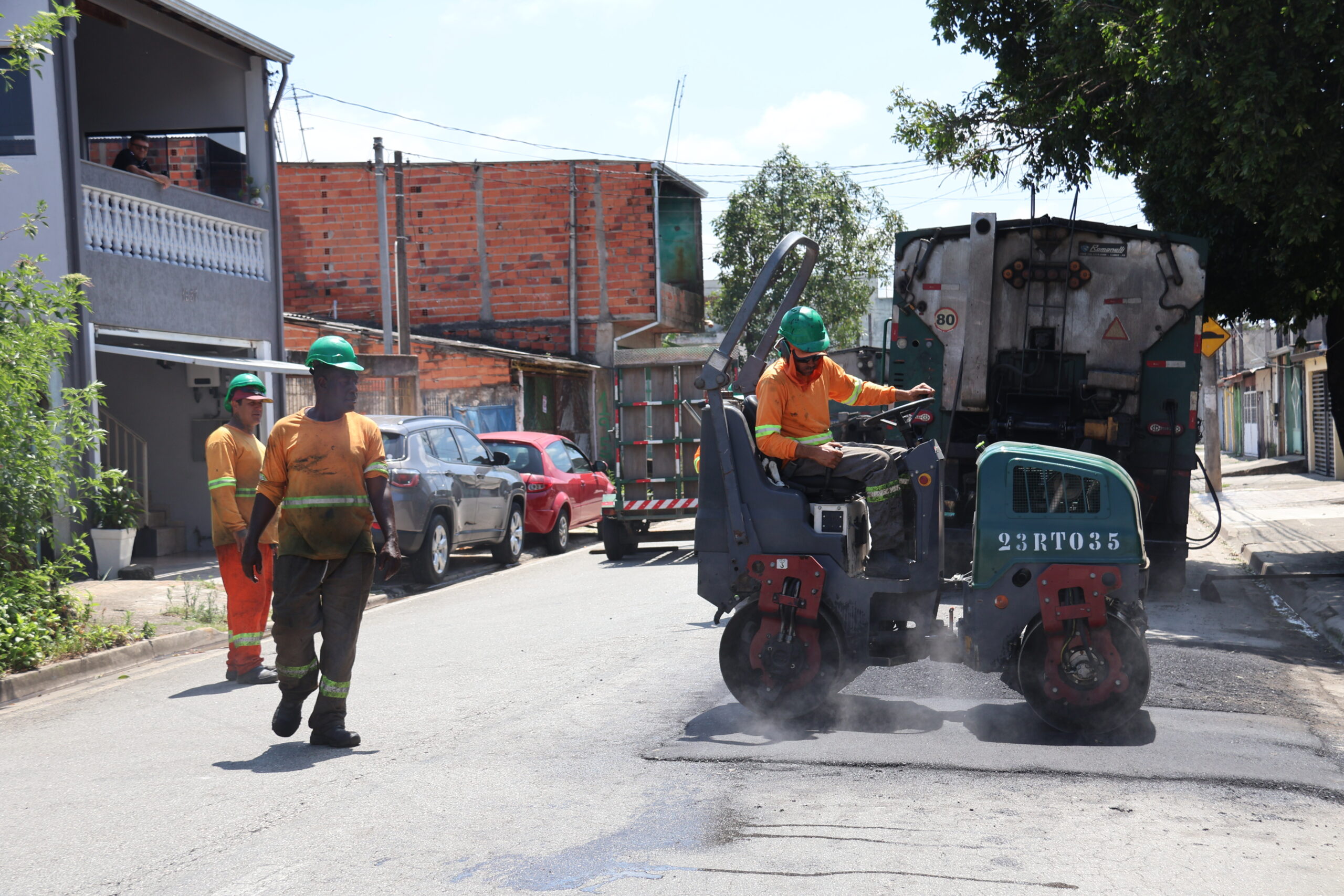
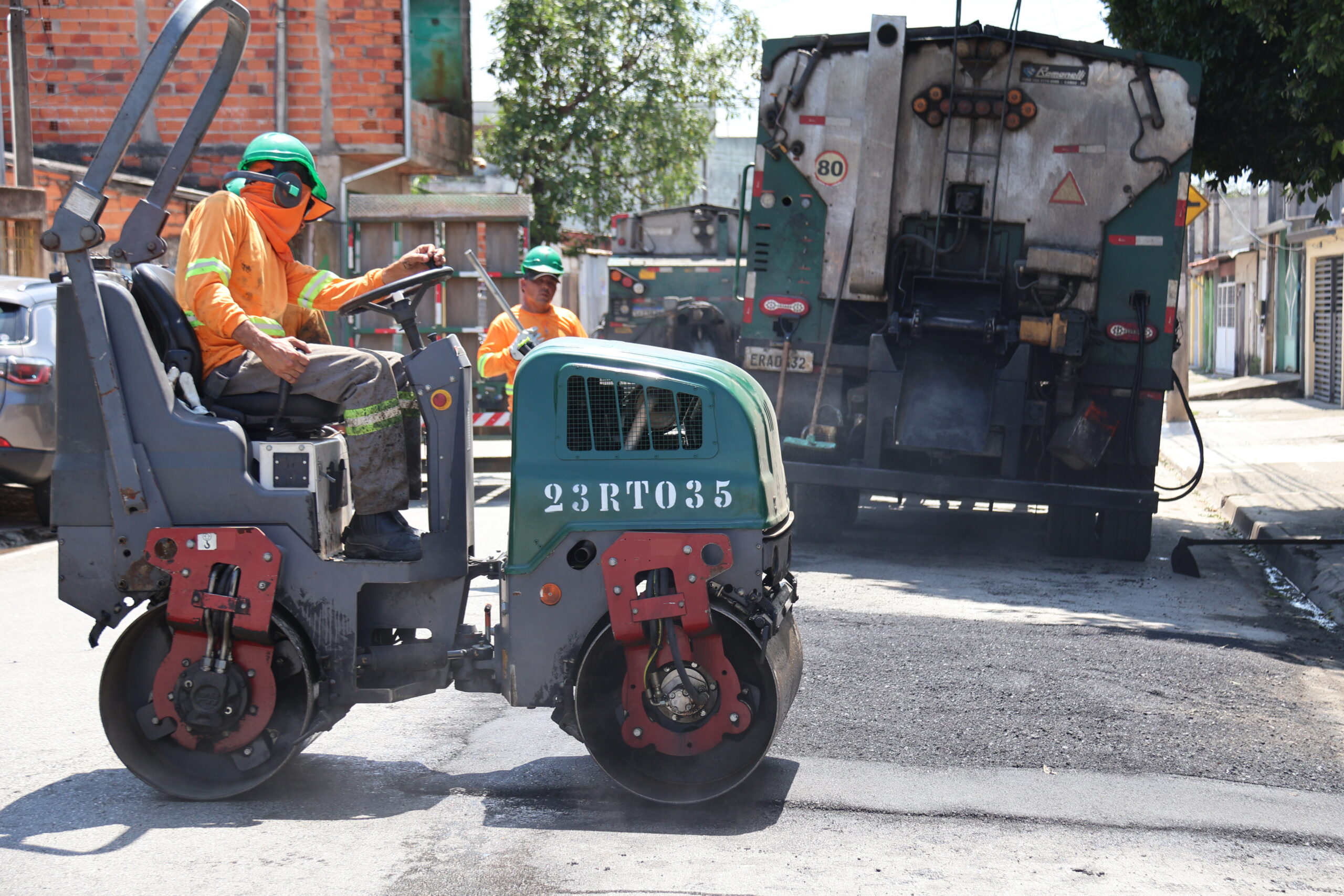
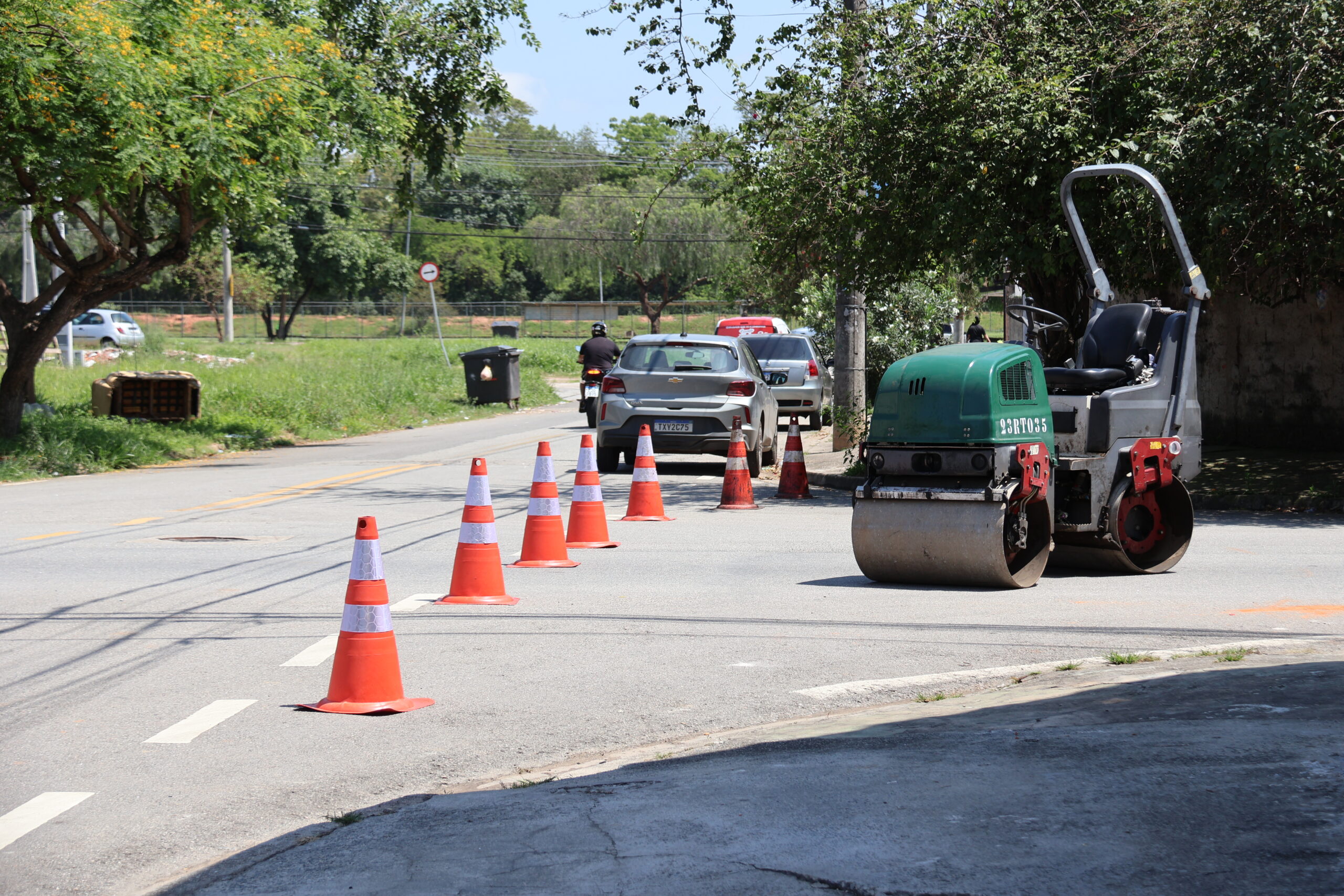
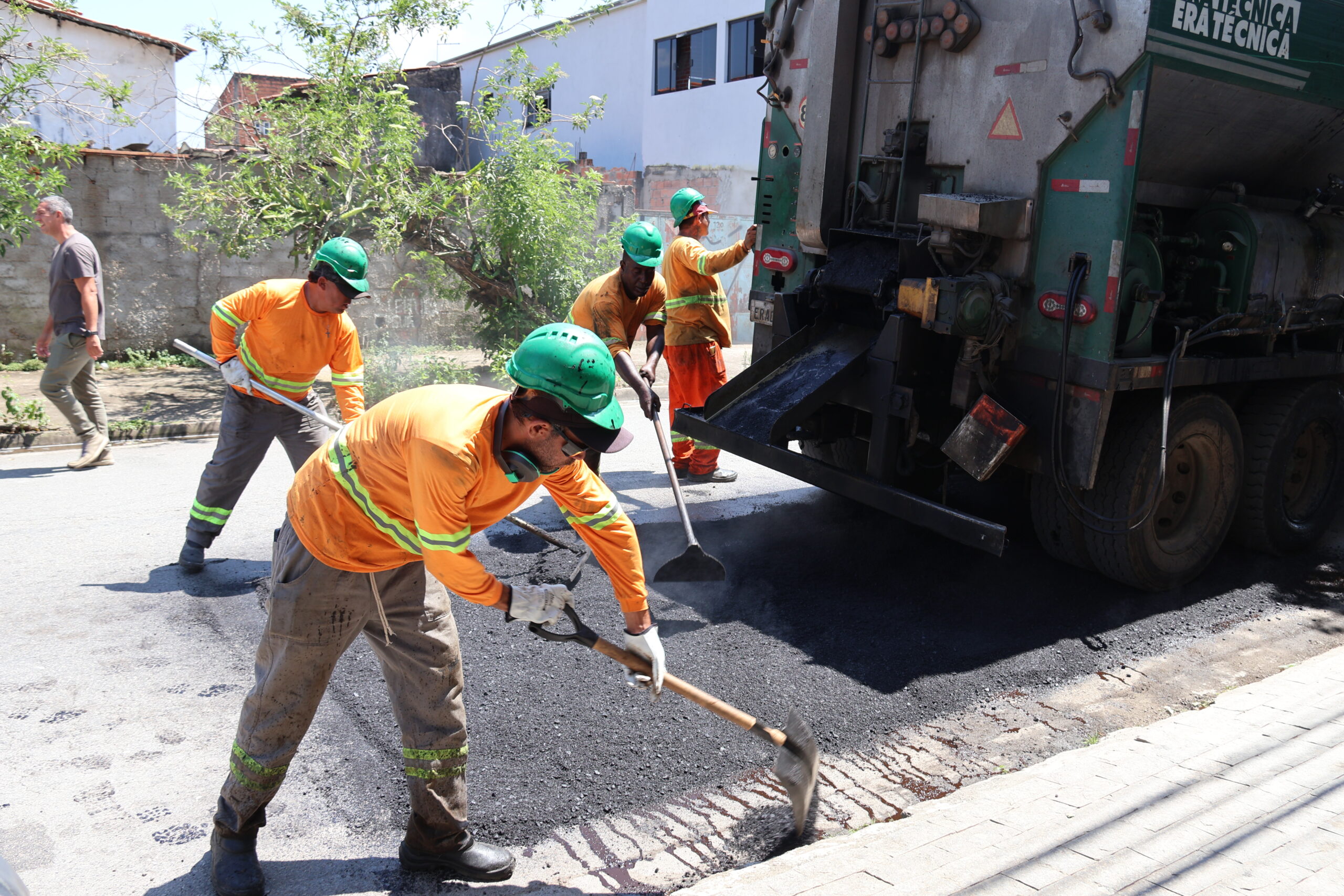
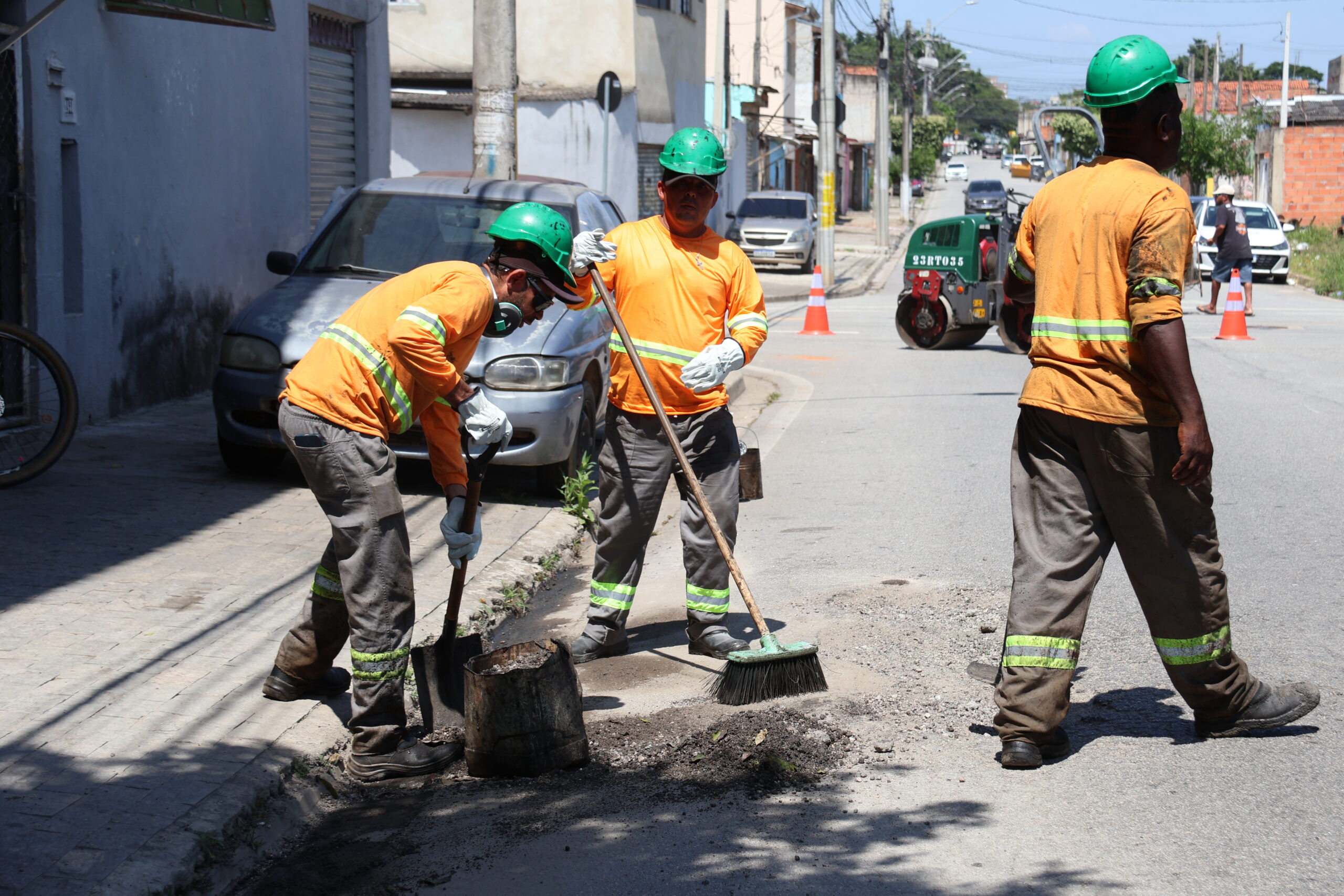
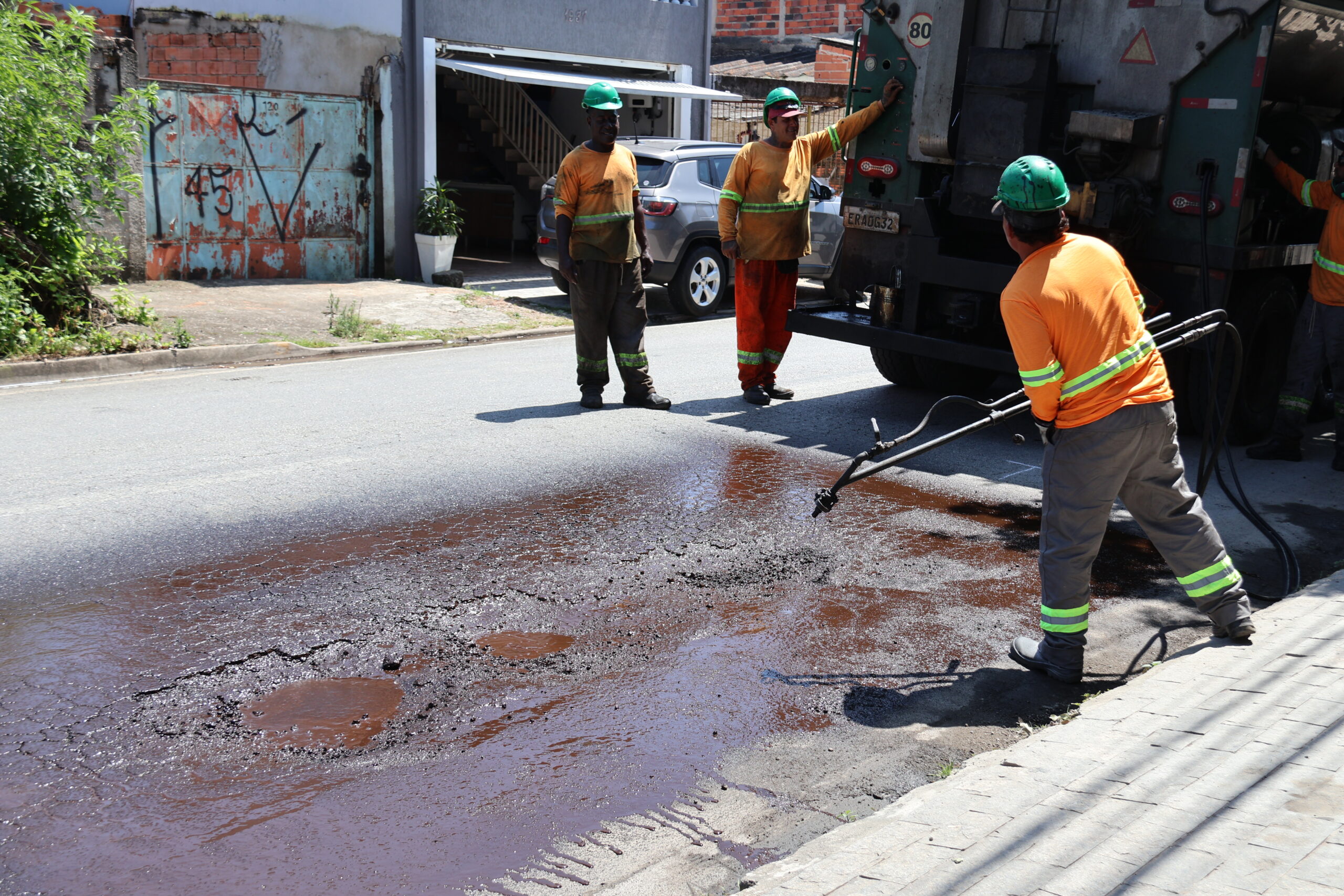
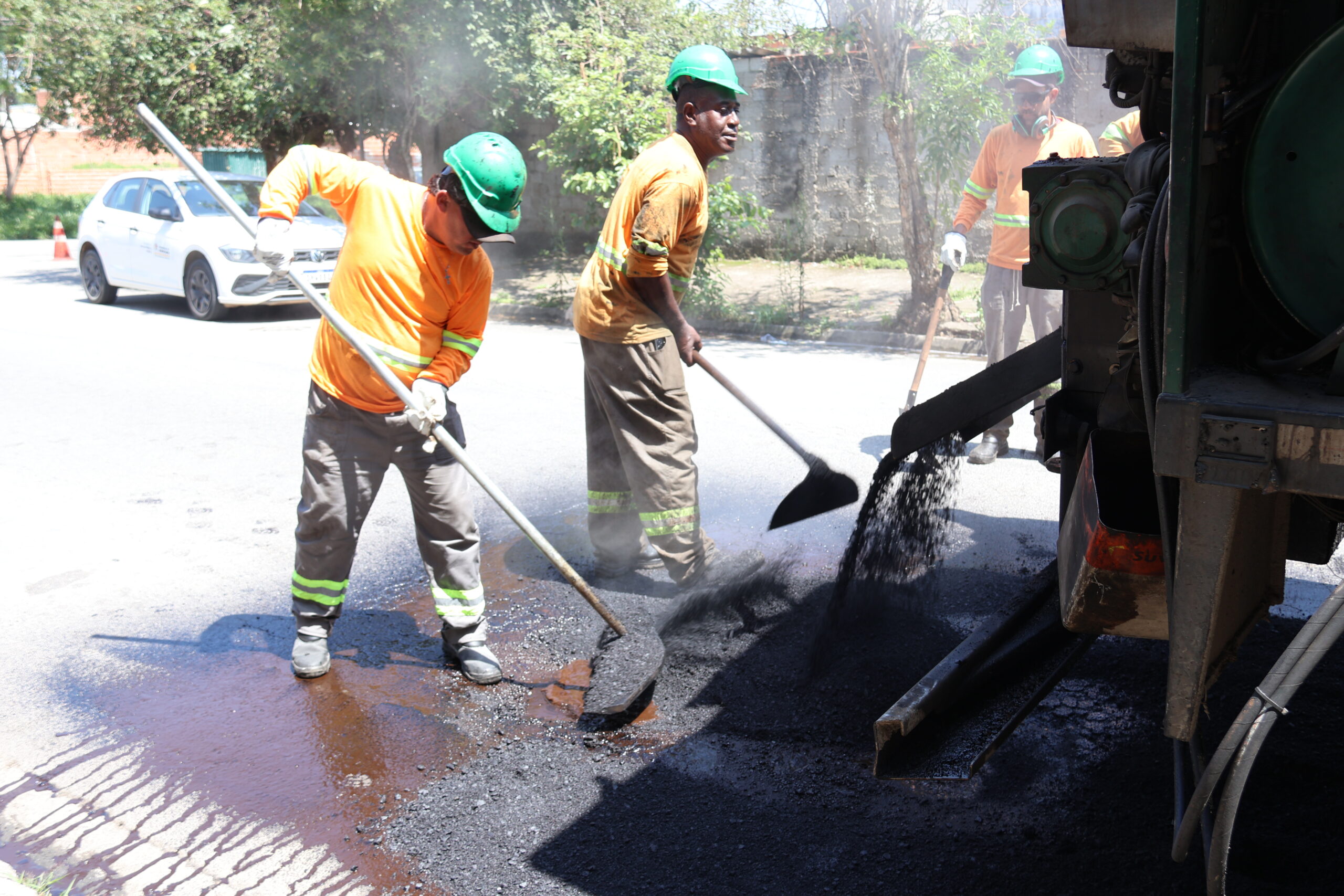
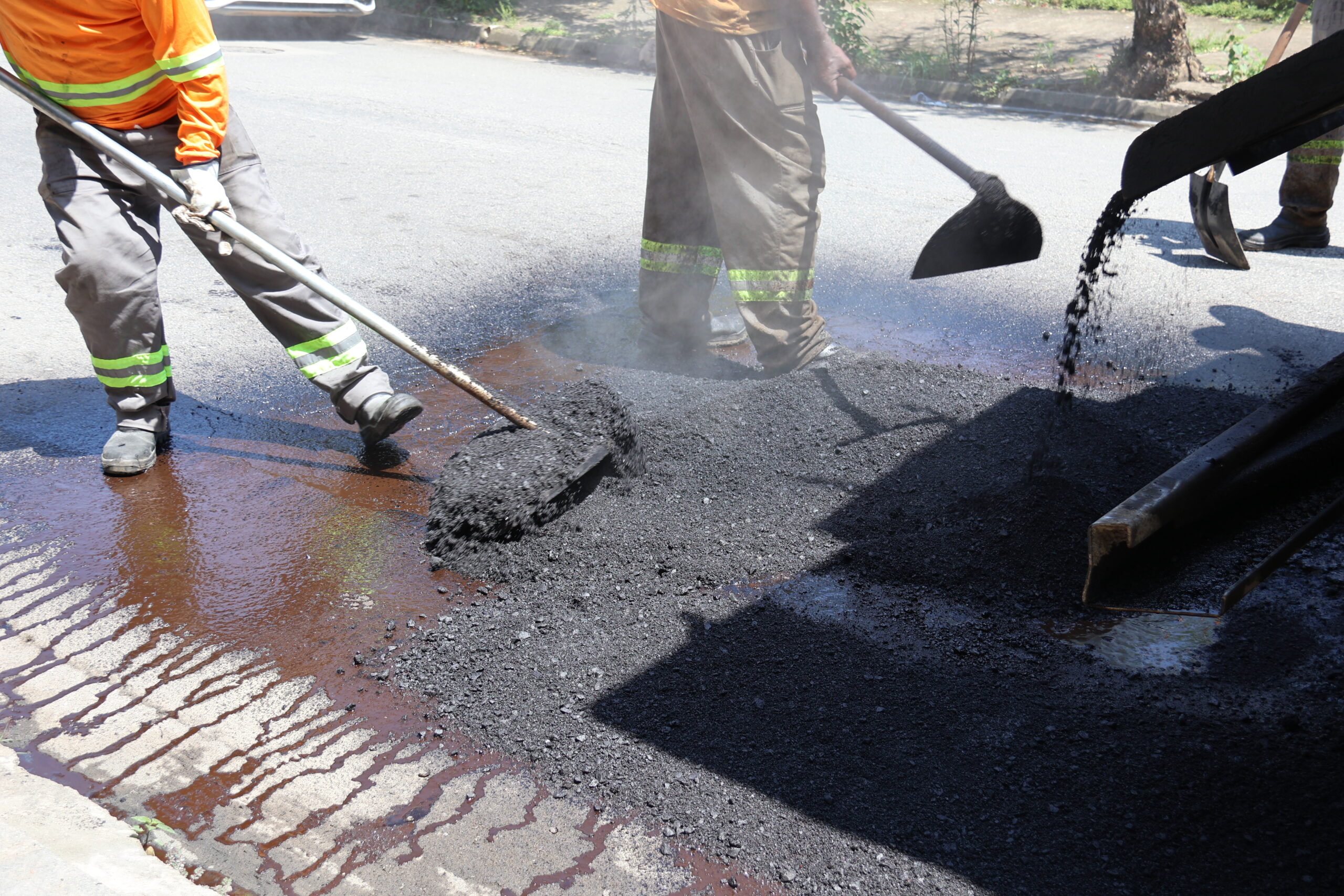
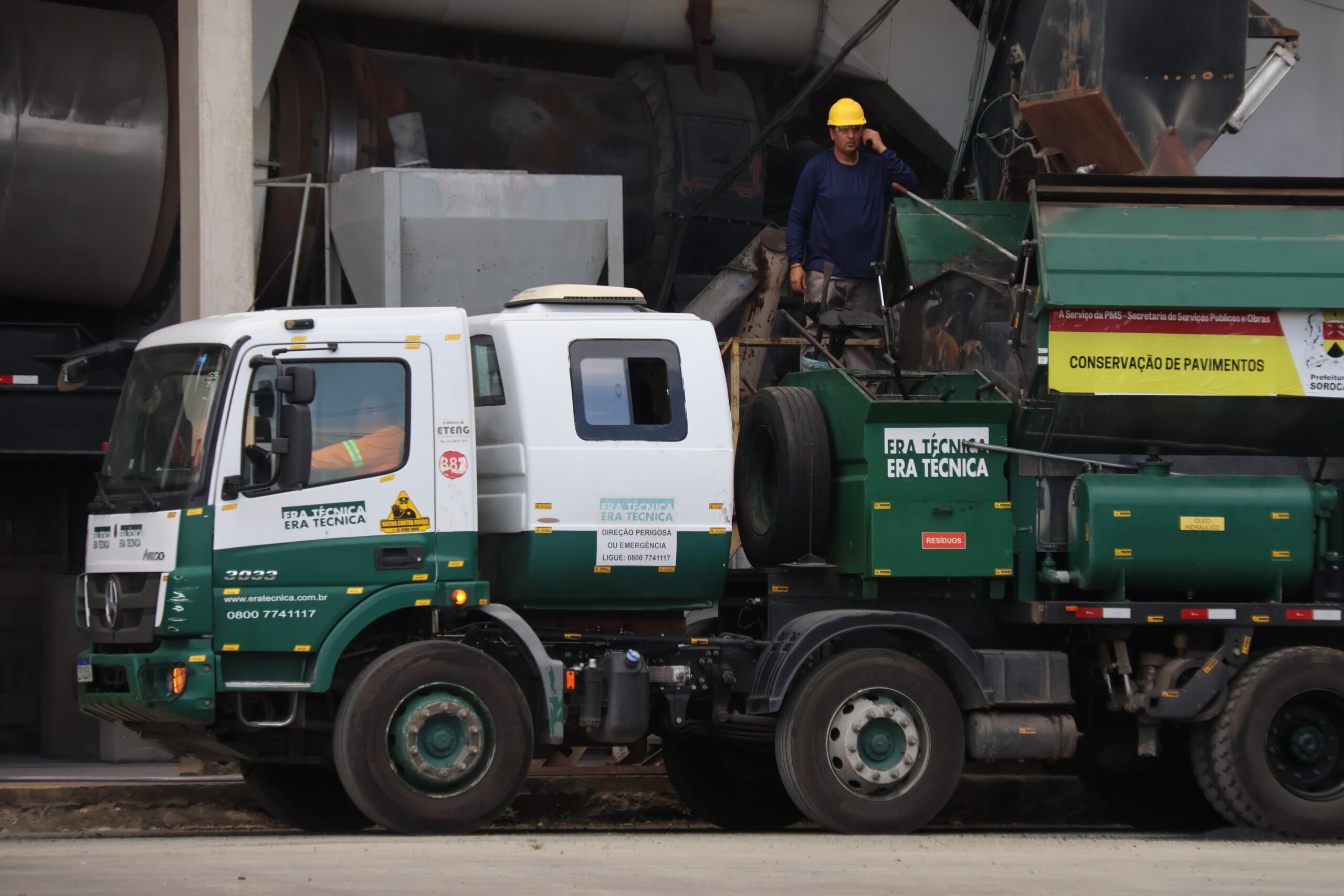
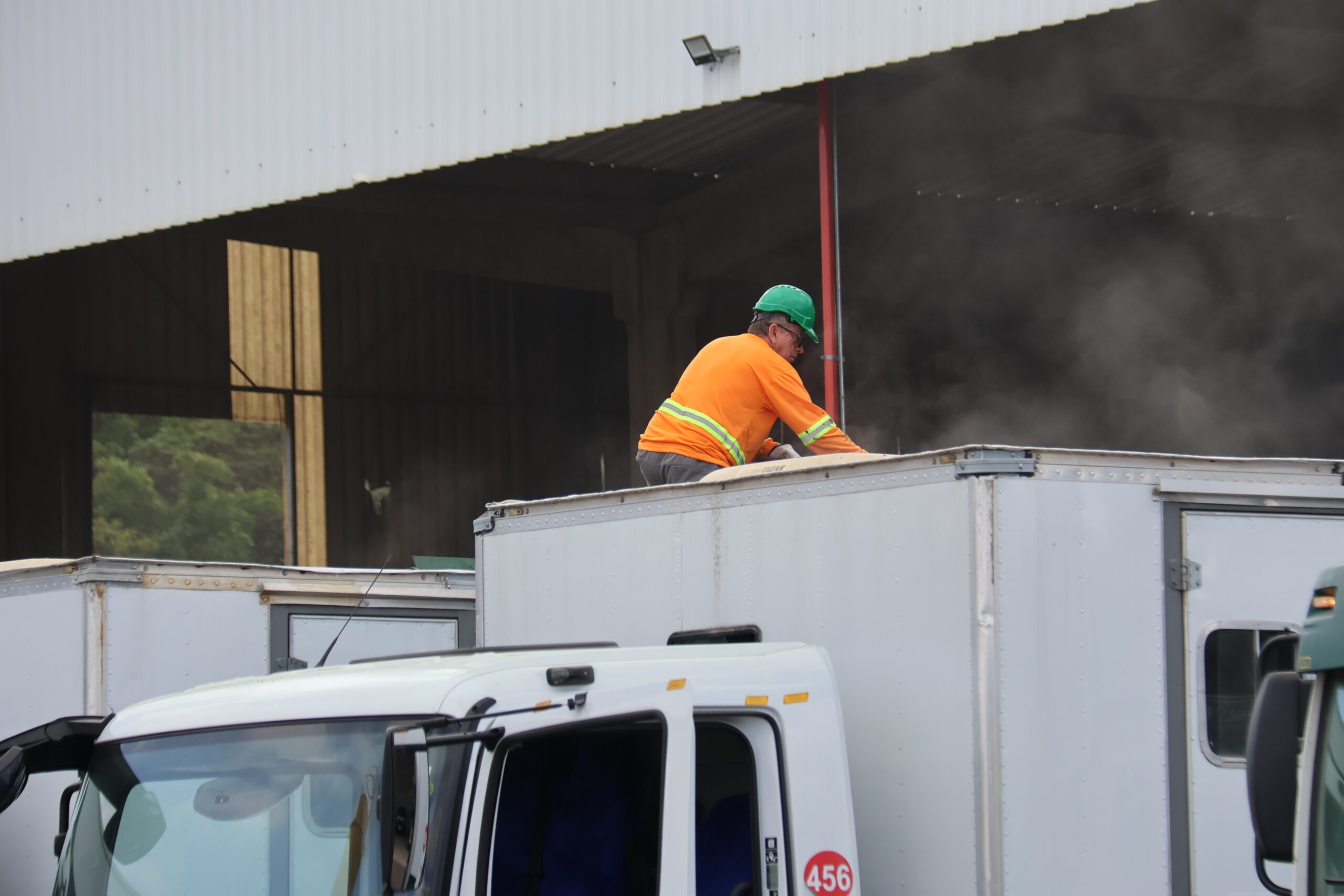
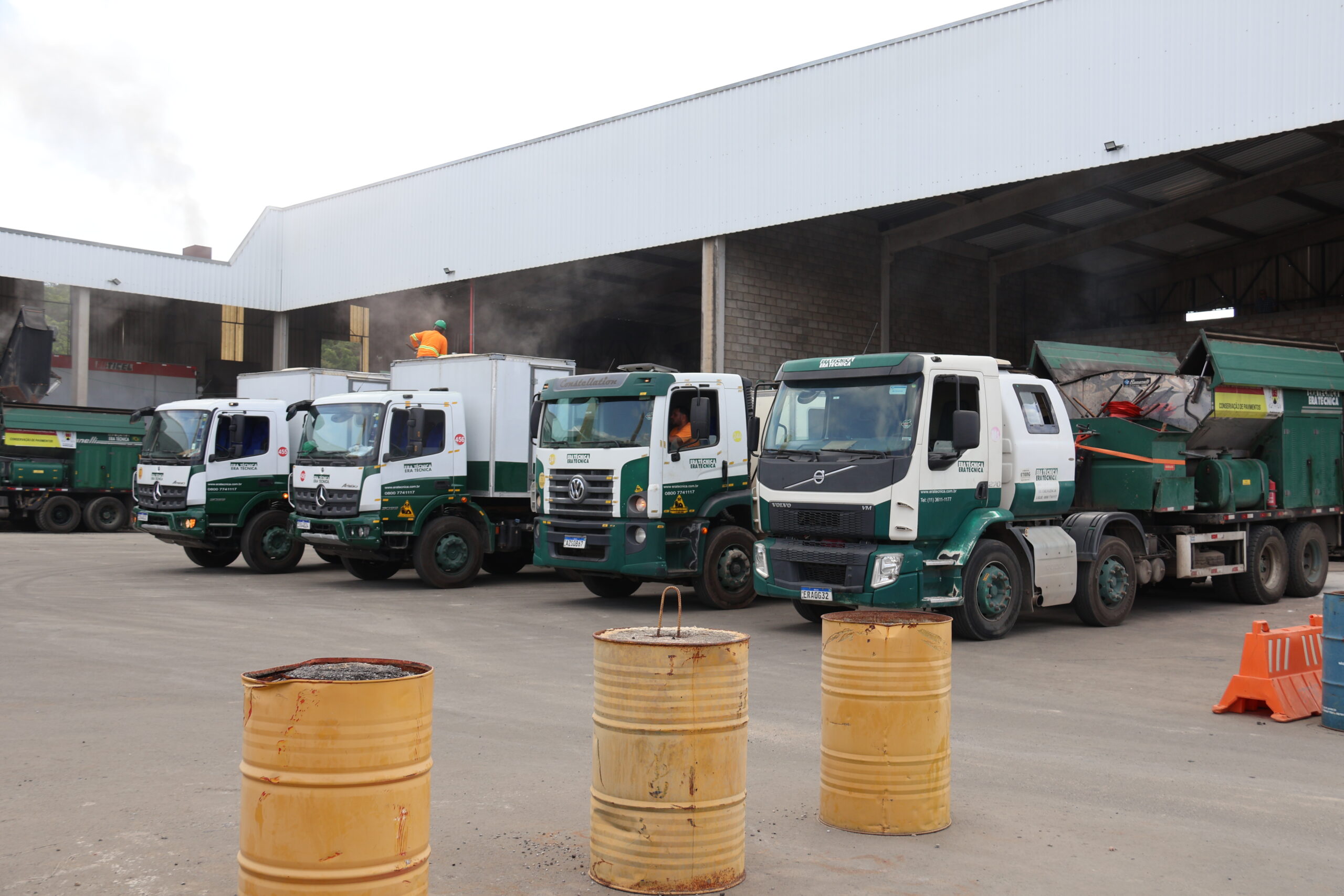
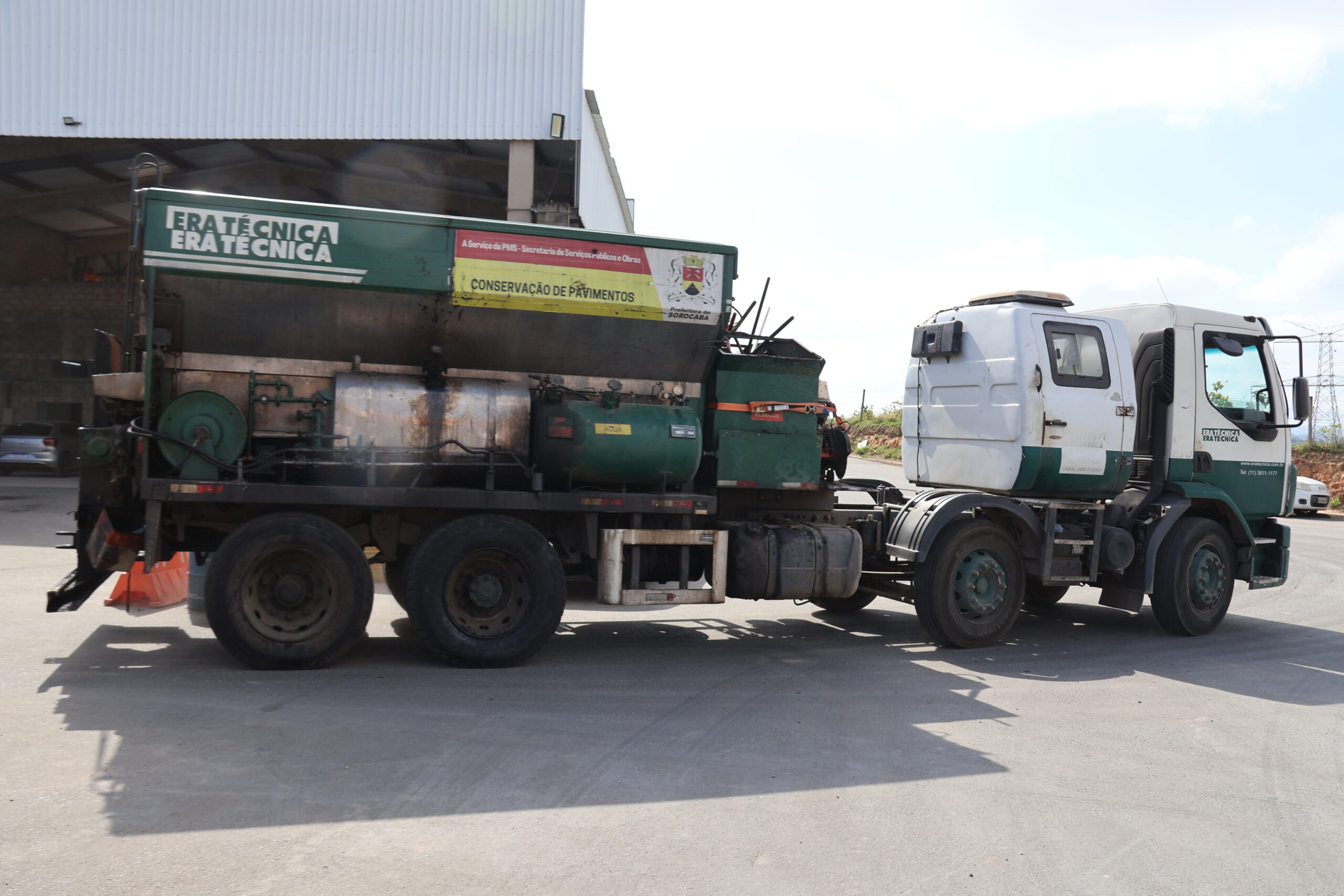
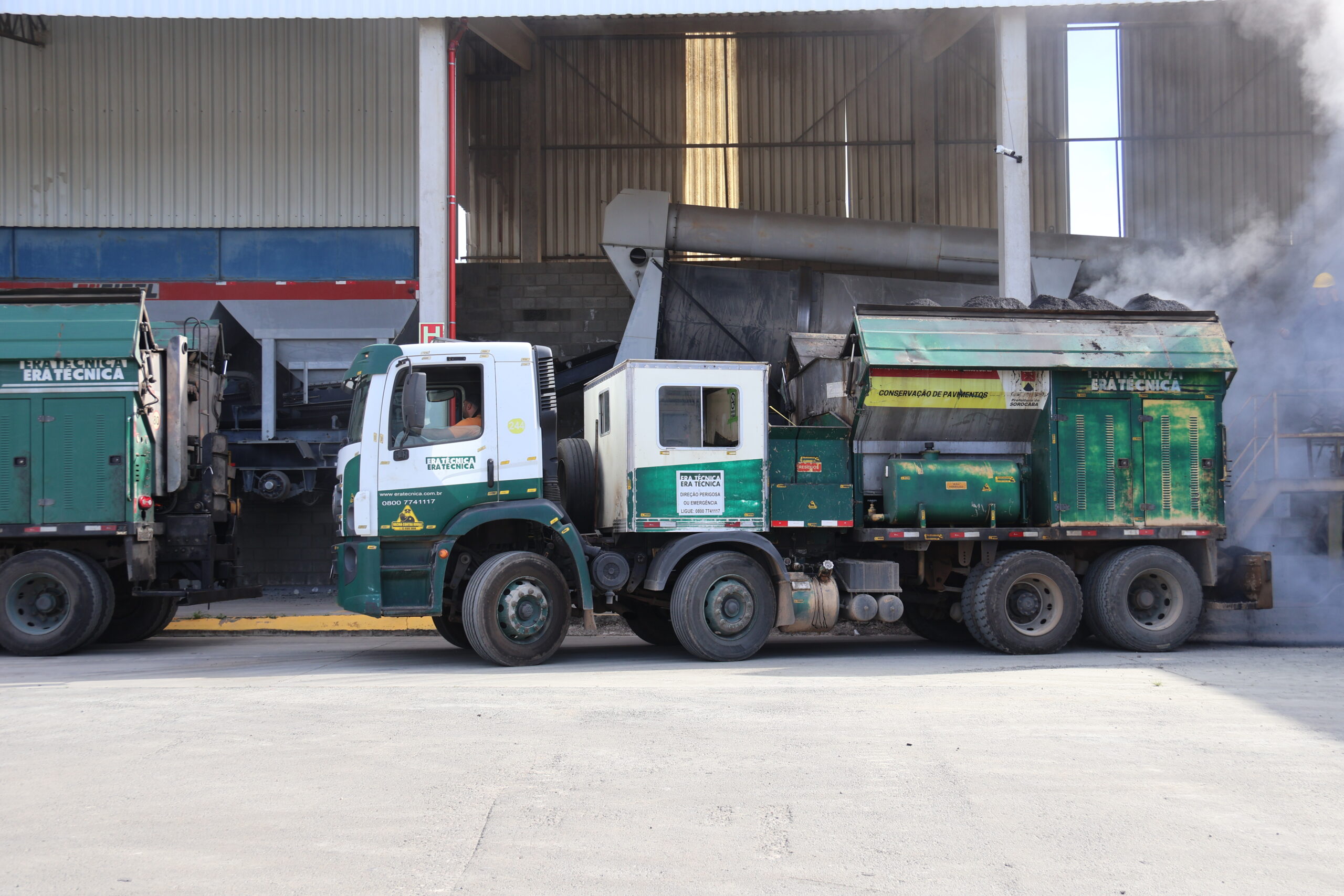
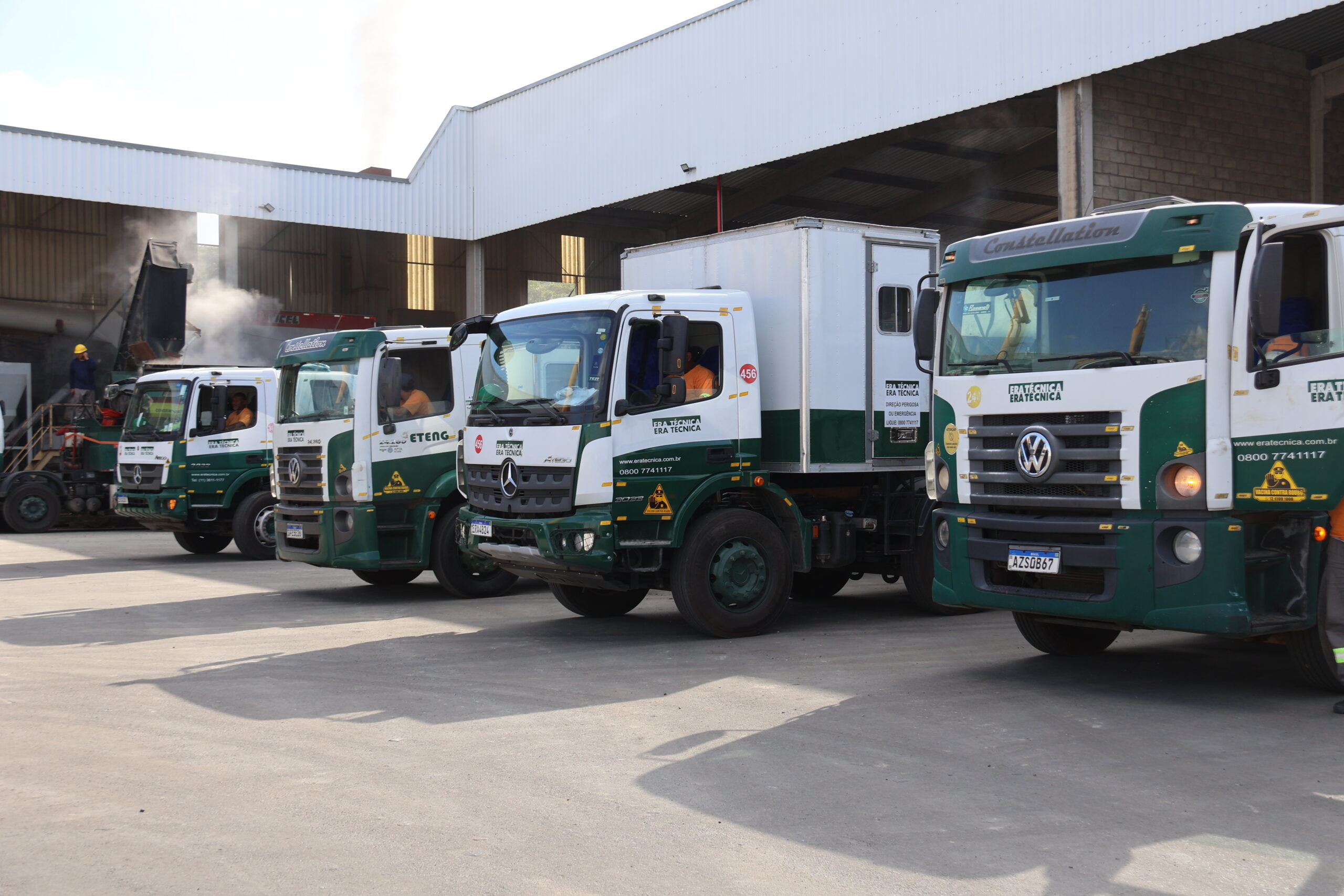
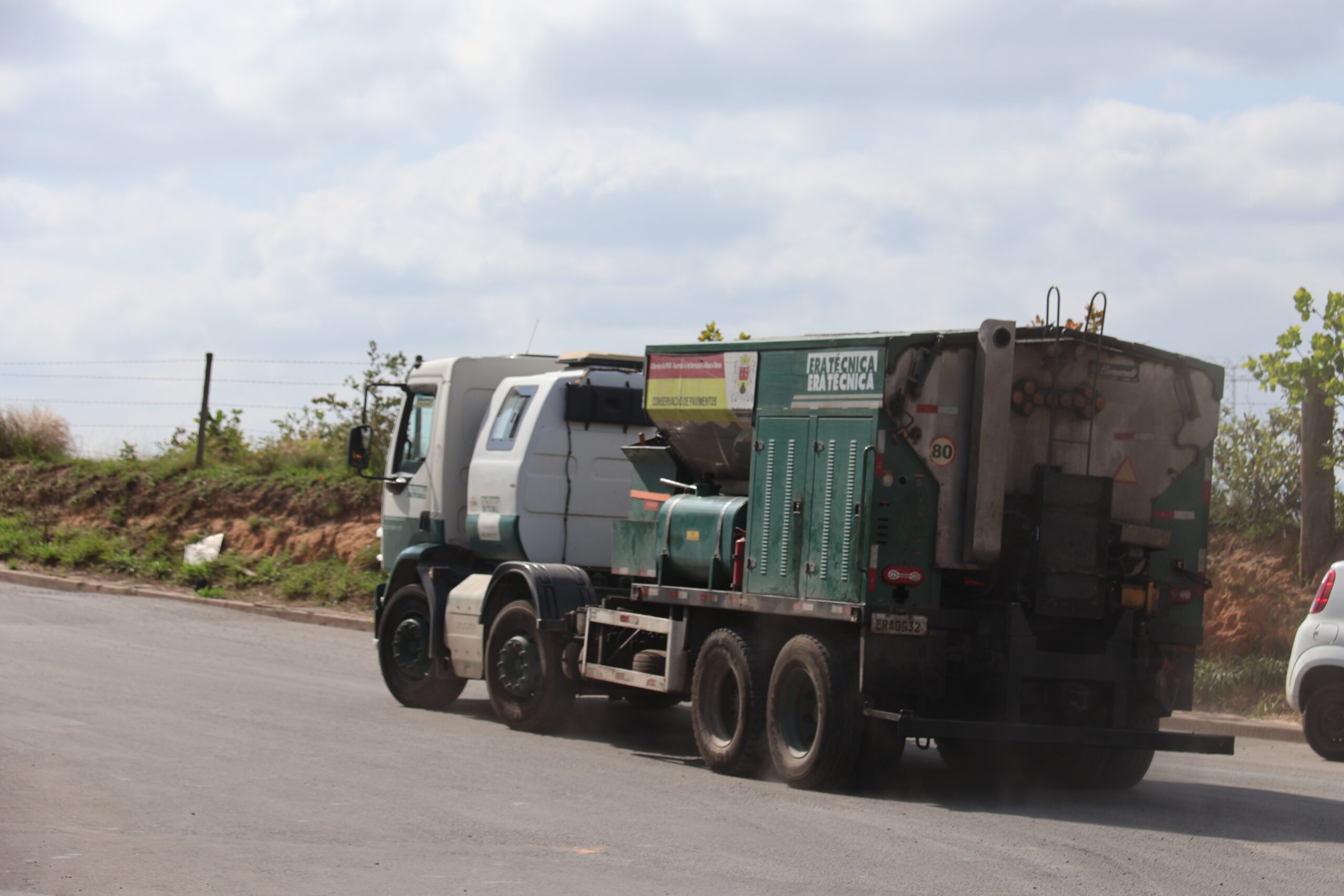
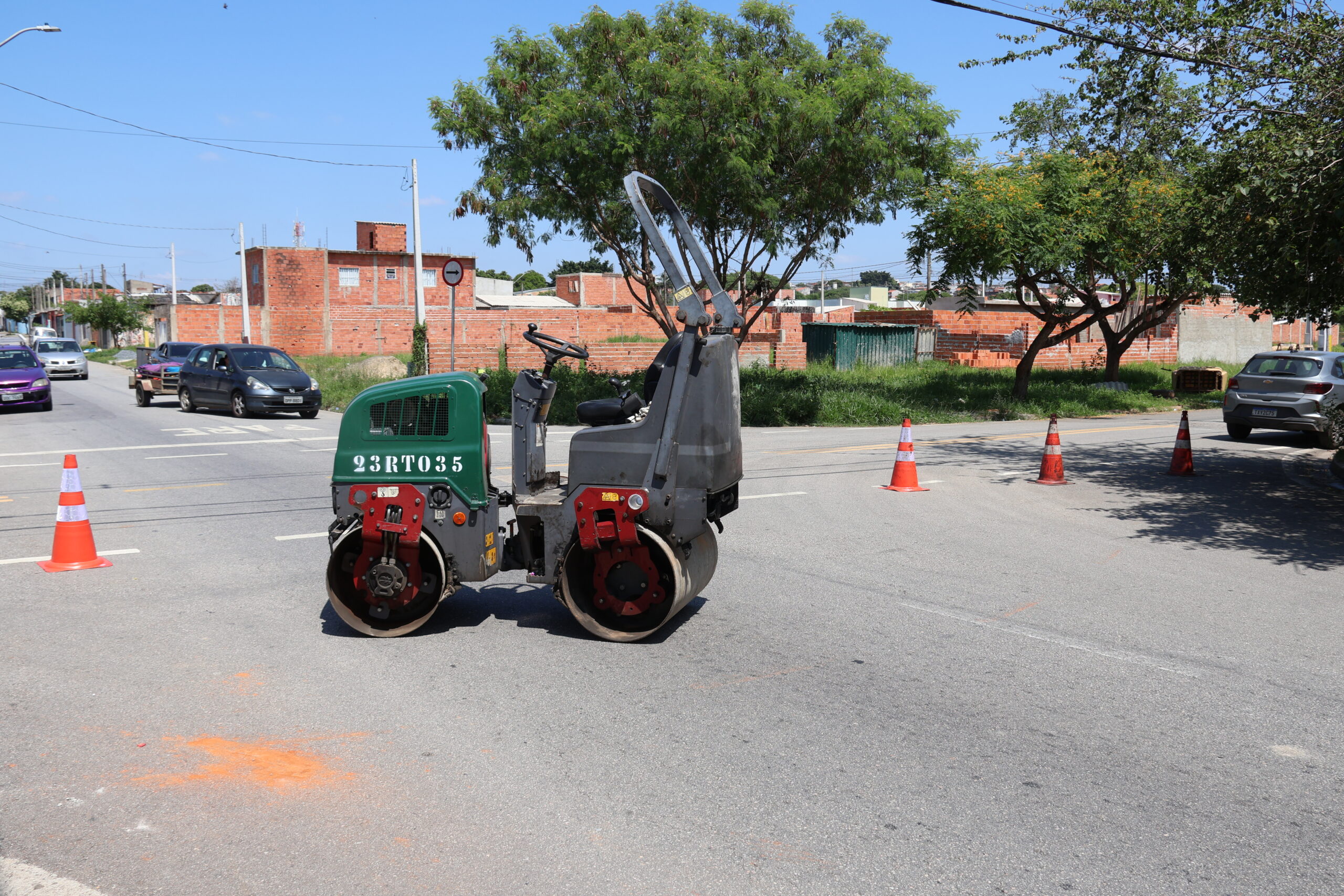
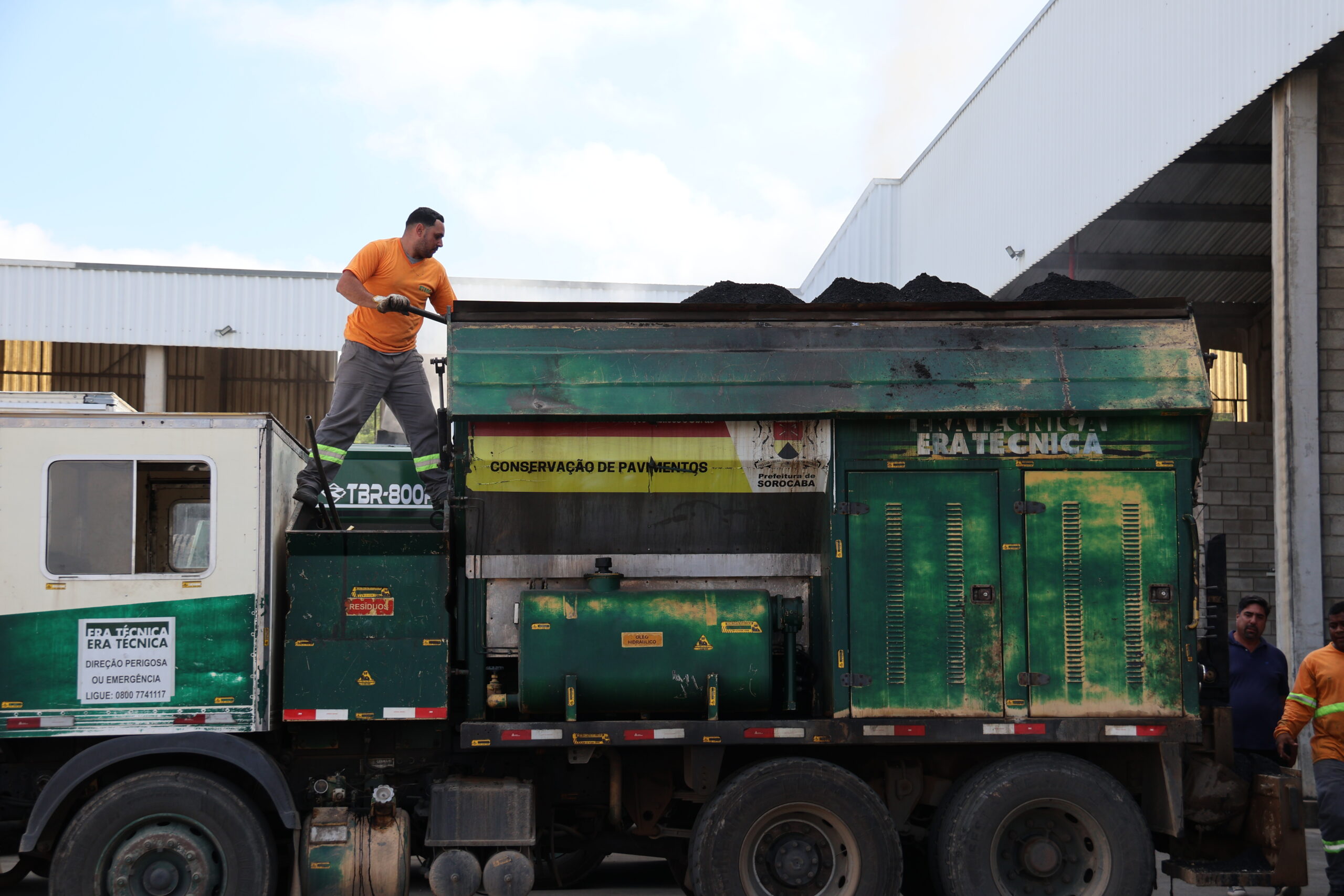
A Prefeitura de Sorocaba atendeu, neste sábado (14), dezenas de ruas em vários bairros da cidade, durante a mega operação tapa-buraco da Secretaria de Serviços Públicos e Obras (Serpo). A ação teve início às 7h e segue até este domingo (15).
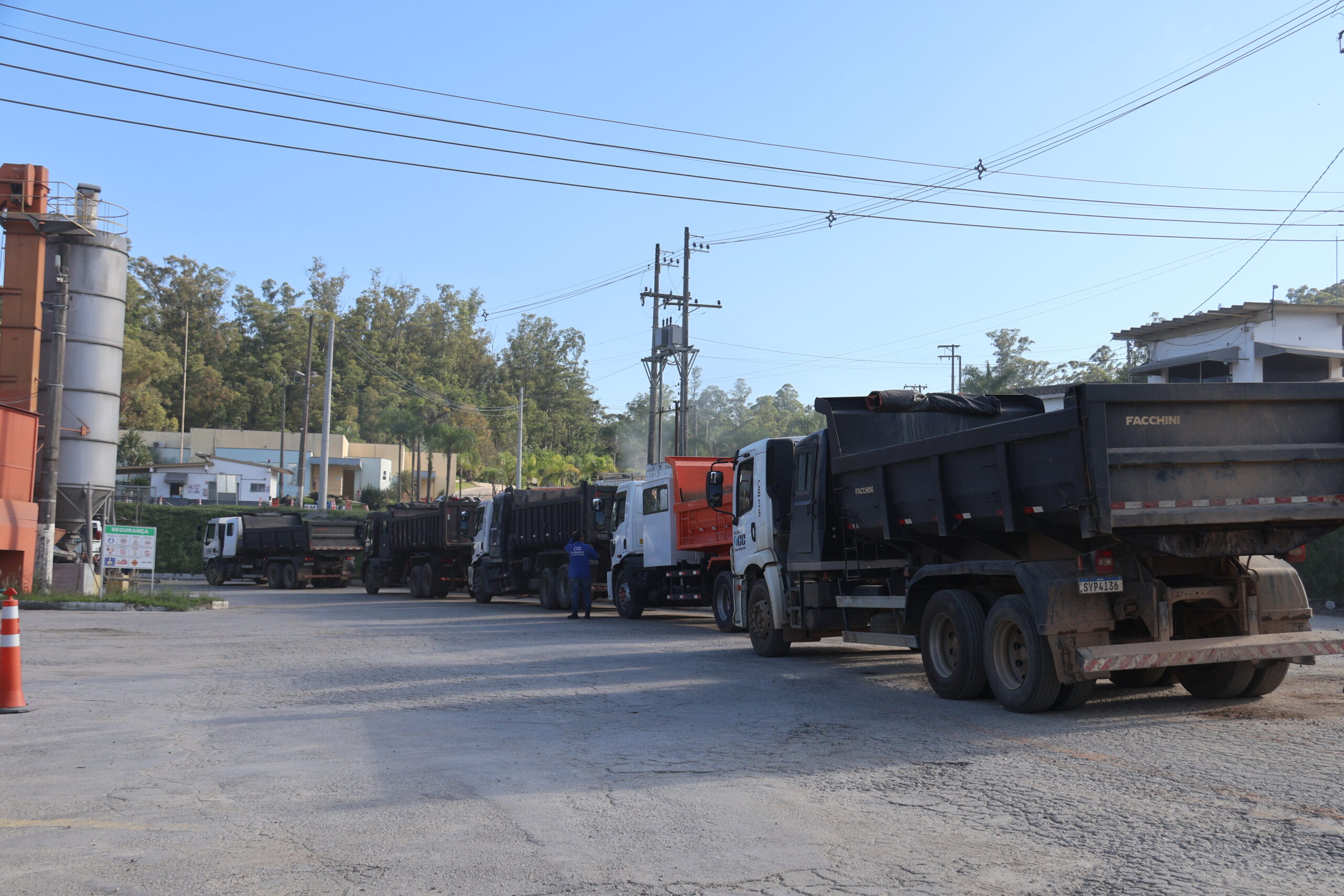
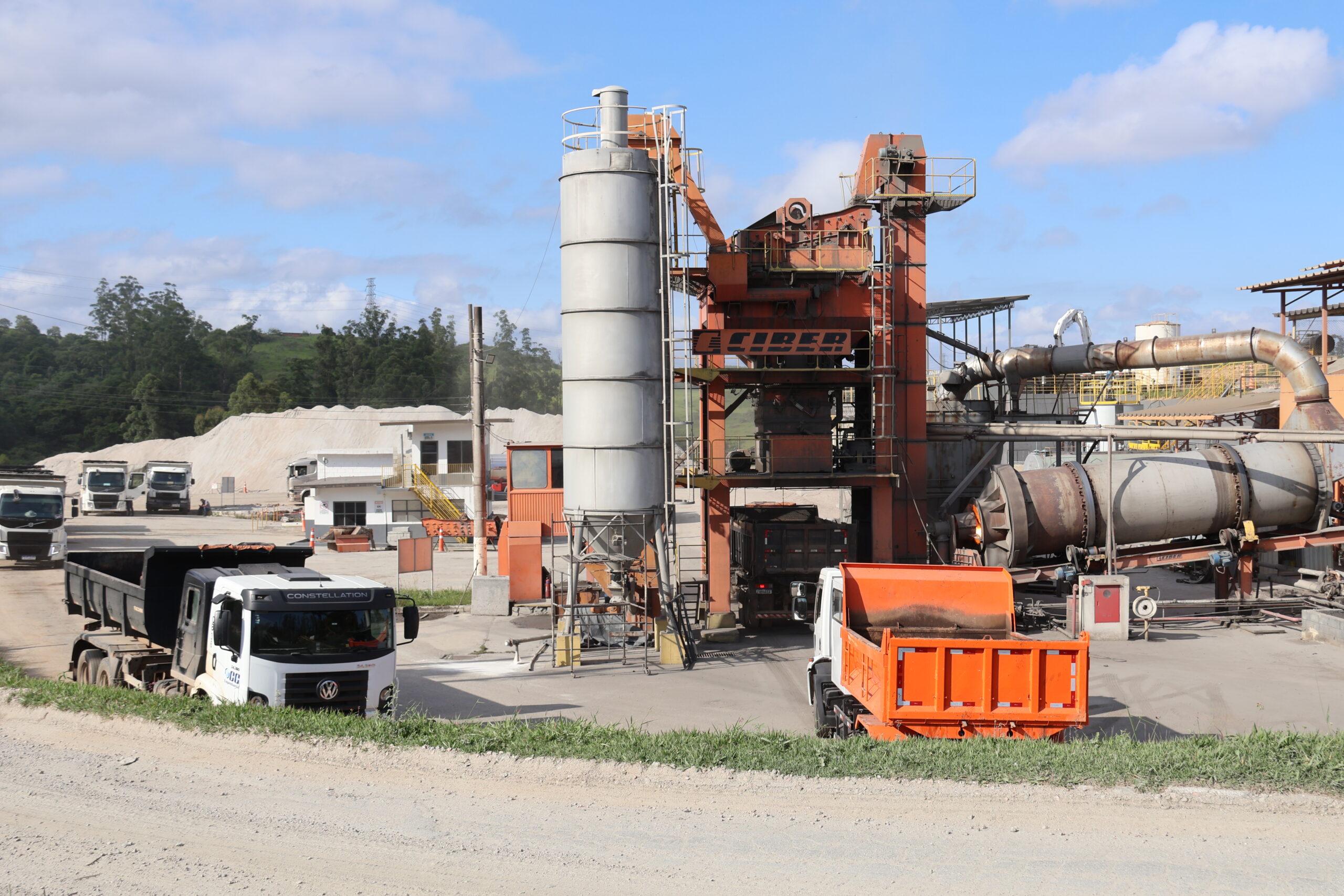
Para execução dos serviços, a secretaria mobilizou, neste primeiro dia, 11 caminhões que percorreram vias das regiões Norte, Sul, Leste, Oeste e no Centro, com o objetivo de corrigir os buracos causados pelas chuvas dos últimos dias e melhorar a mobilidade da cidade. A quantidade de massa asfáltica prevista para o fim de semana é de até 250 toneladas.
Neste sábado (14) as equipes percorreram as regiões dos bairros: Parque Manchester, Jardim São Conrado, Parque das Laranjeiras, Jardim Maria Antônia Prado, Bairro da Serrinha, Aparecidinha, Além Linha, Jardim Betânia, Jardim Europa, Jardim Simus, Jardim Montreal, Jardim Casa Branca, Jardim São Guilherme, Parque Vitória Régia e Éden.
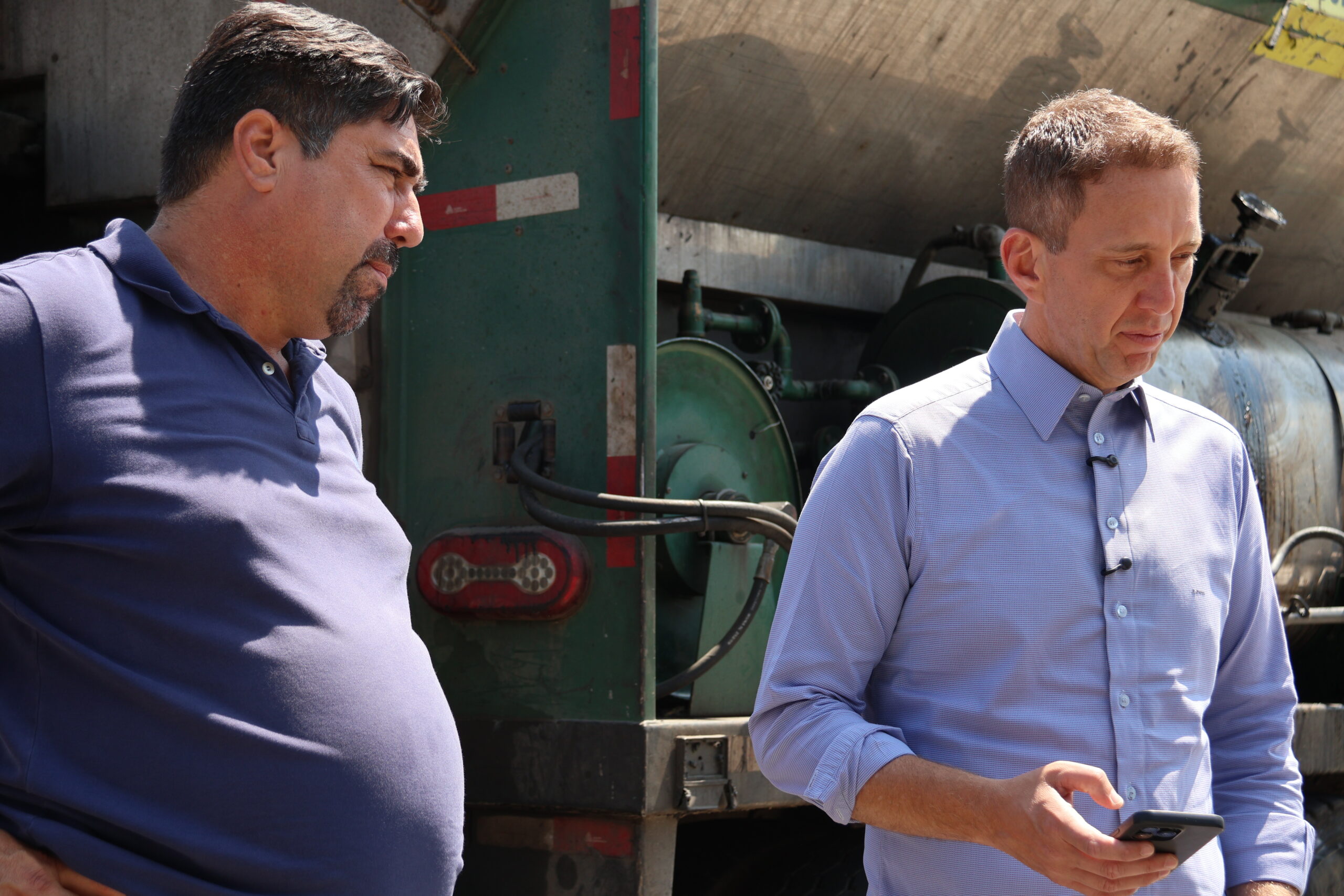
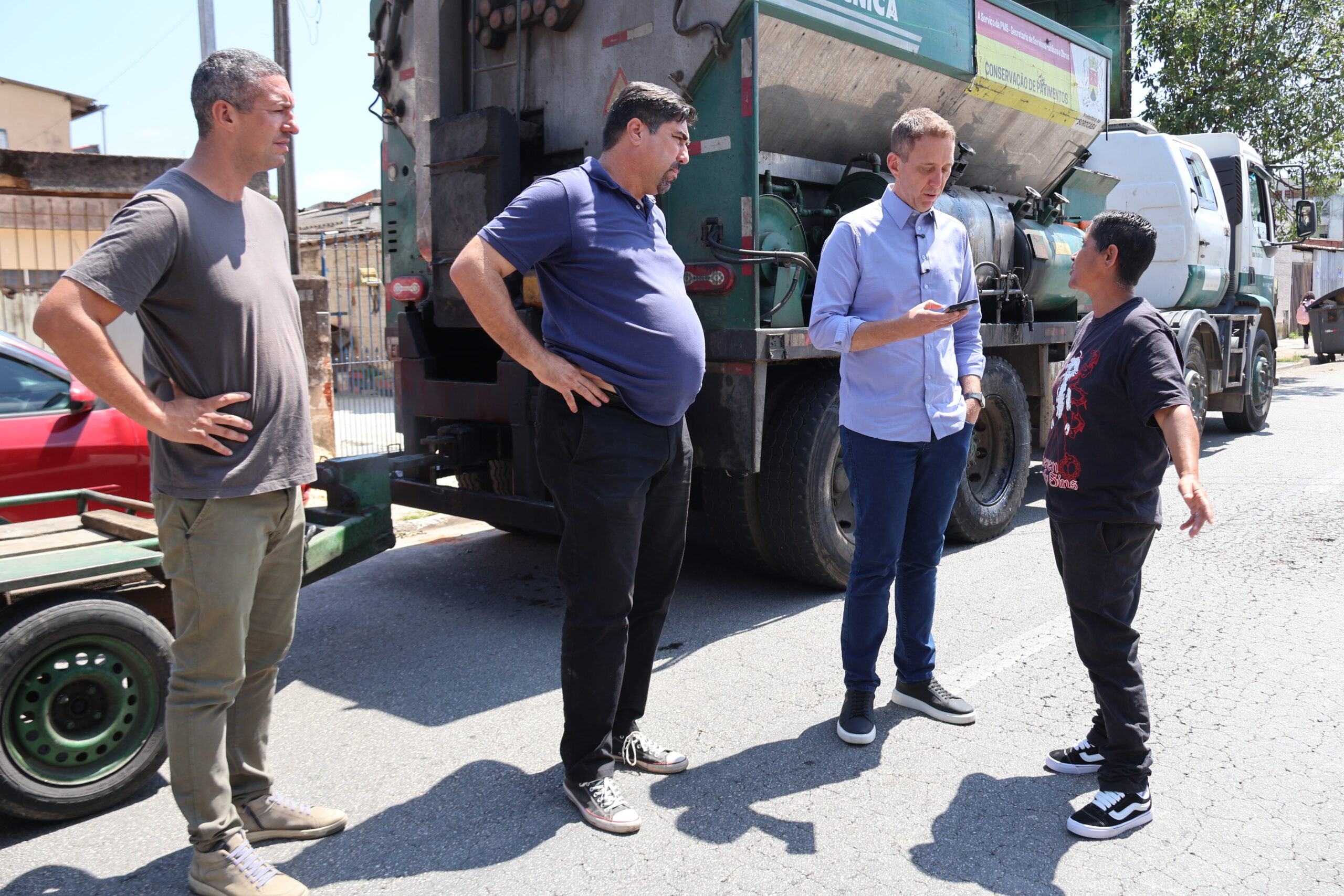
O prefeito Rodrigo Manga acompanhou a ação no bairro Parque Vitoria Régia, ao lado do secretário da Serpo, Darwin de Almeida Rosa, e destacou a importância dos serviços de manutenção e zeladoria em Sorocaba. “Aproveitamos o bom tempo para reparar as vias da cidade e diminuir os impactos que as ocorrências geraram aos munícipes. Isso garante melhores condições de mobilidade aos motoristas e pedestres”, disse.
A operação tapa-buraco continua na cidade durante este domingo (15), com mais 13 caminhões para execução das manutenções.
$$ = $.noConflict();
var initPhotoSwipeFromDOM = function(gallerySelector) {
// parse slide data (url, title, size …) from DOM elements
// (children of gallerySelector)
var parseThumbnailElements = function(el) {
var thumbElements = el.childNodes,
numNodes = thumbElements.length,
items = [],
figureEl,
childElements,
linkEl,
size,
item;
for(var i = 0; i < numNodes; i++) {
figureEl = thumbElements[i]; //
// include only element nodes
if(figureEl.nodeType !== 1) {
continue;
}
linkEl = figureEl.children[0]; // element
linkEl = figureEl; // element
// console.log(linkEl);
size = linkEl.getAttribute(‘data-size’).split(‘x’);
// create slide object
item = {
src: linkEl.getAttribute(‘href’),
w: parseInt(size[0], 10),
h: parseInt(size[1], 10)
};
if(figureEl.children.length > 1) {
//
item.title = figureEl.children[1].innerHTML;
}
if(linkEl.children.length > 0) {
// thumbnail element, retrieving thumbnail url
item.msrc = linkEl.children[0].getAttribute(‘src’);
}
item.el = figureEl; // save link to element for getThumbBoundsFn
items.push(item);
}
return items;
};
// find nearest parent element
var closest = function closest(el, fn) {
return el && ( fn(el) ? el : closest(el.parentNode, fn) );
};
// triggers when user clicks on thumbnail
var onThumbnailsClick = function(e) {
e = e || window.event;
e.preventDefault ? e.preventDefault() : e.returnValue = false;
var eTarget = e.target || e.srcElement;
var clickedListItem = closest(eTarget, function(el) {
return el.tagName === ‘FIGURE’;
});
clickedListItem = eTarget.parentNode;
if(!clickedListItem) {
return;
}
// find index of clicked item
var clickedGallery = clickedListItem.parentNode,
childNodes = clickedListItem.parentNode.childNodes,
numChildNodes = childNodes.length,
nodeIndex = 0,
index;
for (var i = 0; i = 0) {
openPhotoSwipe( index, clickedGallery );
}
return false;
};
// parse picture index and gallery index from URL (#&pid=1&gid=2)
var photoswipeParseHash = function() {
var hash = window.location.hash.substring(1),
params = {};
if(hash.length < 5) {
return params;
}
var vars = hash.split('&');
for (var i = 0; i < vars.length; i++) {
if(!vars[i]) {
continue;
}
var pair = vars[i].split('=');
if(pair.length getThumbBoundsFn section of docs for more info
var thumbnail = items[index].el.getElementsByTagName(‘img’)[0], // find thumbnail
pageYScroll = window.pageYOffset || document.documentElement.scrollTop,
rect = thumbnail.getBoundingClientRect();
return {x:rect.left, y:rect.top + pageYScroll, w:rect.width};
},
shareButtons: [
{id:’download’, label:’Download image’, url:”, download:true}
],
// history & focus options are disabled on CodePen
// remove these lines in real life:
historyEnabled: false,
focus: false
};
if(disableAnimation) {
options.showAnimationDuration = 0;
}
// Pass data to PhotoSwipe and initialize it
gallery = new PhotoSwipe( pswpElement, PhotoSwipeUI_Default, items, options);
gallery.init();
};
// loop through all gallery elements and bind events
var galleryElements = document.querySelectorAll( gallerySelector );
for(var i = 0, l = galleryElements.length; i 0 && hashData.gid > 0) {
openPhotoSwipe( hashData.pid – 1 , galleryElements[ hashData.gid – 1 ], true );
}
};
// execute above function
initPhotoSwipeFromDOM(‘.pms-galeria’);
// All images need to be loaded for this plugin to work so
// we end up waiting for the whole window to load in this example
$$(window).load(function () {
$$(document).ready(function(){
collage();
$$(‘.pms-galeria’).collageCaption();
});
});
// Here we apply the actual CollagePlus plugin
function collage() {
$$(‘.pms-galeria img’).css(‘display’, ‘block’);
$$(‘.pms-galeria’).removeWhitespace().collagePlus({
‘fadeSpeed’ : 2000,
‘targetHeight’ : 150,
‘effect’ : ‘default’,
‘direction’ : ‘vertical’,
‘allowPartialLastRow’ : true
});
};
// This is just for the case that the browser window is resized
var resizeTimer = null;
$$(window).bind(‘resize’, function() {
// hide all the images until we resize them
$$(‘.pms-galeria .Image_Wrapper’).css(“opacity”, 0);
// set a timer to re-apply the plugin
if (resizeTimer) clearTimeout(resizeTimer);
resizeTimer = setTimeout(collage, 200);
});
Fonte: Prefeitura de Sorocaba